
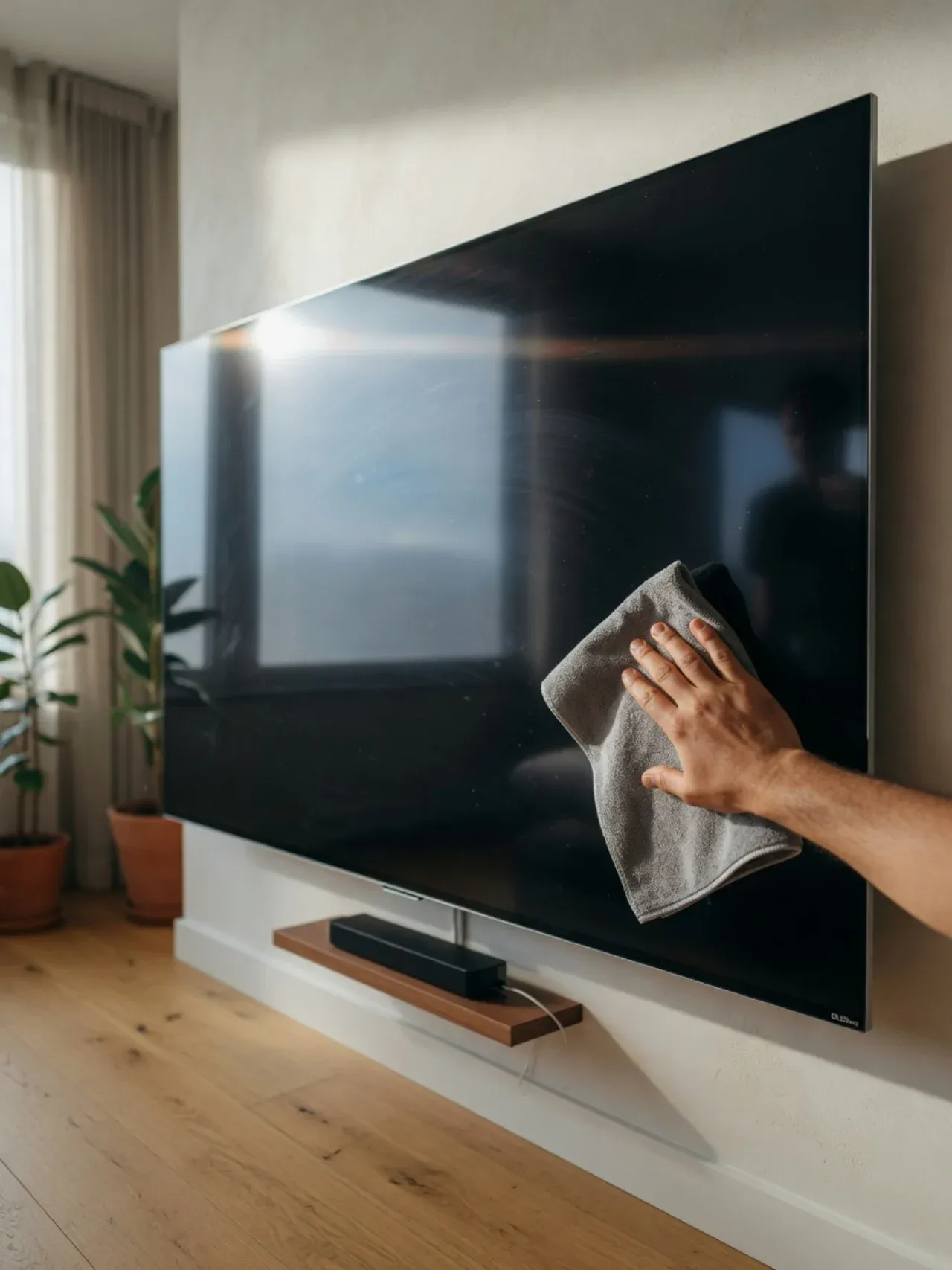
An OLED TV is one of the most expensive — and most delicate — surfaces in your home. Unlike an LCD that's lit from behind, an OLED screen is made of millions of organic, self-lighting pixels sitting under a soft anti-glare coating. That coating is what gives OLED its perfect blacks and wide viewing angle, and it's exactly what a paper towel or a squirt of glass cleaner will quietly ruin. Clean it the wrong way once and you can leave a permanent hazy smear on a $1,500+ screen.
The good news: the correct method is almost laughably simple, costs nothing, and uses zero chemicals. It's the same approach LG, Samsung, and Sony publish in their own support documents — a microfiber cloth and, when needed, a touch of distilled water. Here's exactly how to do it without a single risky product anywhere near the panel.
Why You Can't Clean an OLED Like a Window
Organic, fragile pixels
OLED pixels are organic compounds that emit their own light. The panel is thinner and more pressure-sensitive than an LCD — pressing too hard while wiping can distort pixels and leave temporary (or permanent) marks.
A coating chemicals dissolve
The anti-glare/anti-reflective layer bonded to the screen is broken down by alcohol, ammonia, and solvents. Once it clouds, it cannot be restored — you'd see a permanent hazy patch.
No backlight to hide flaws
Because each pixel makes its own light, any residue, streak, or scratch shows clearly against OLED's deep blacks. Sloppy cleaning is far more visible than on a backlit LCD.
The golden rule: the safest cleaner for any TV screen is the gentlest one that does the job. Start dry, add only distilled water if you must, and never reach for anything you'd use on a window or countertop.
What You'll Need
That's the whole list. No screen sprays required — and the ones you do see in stores are optional at best.
Two clean microfiber cloths
One for dusting and the damp pass, one for drying. Microfiber lifts dust and oil without scratching. Keep them clean — grit trapped in a dirty cloth is what scratches screens.
Distilled water
Distilled (not tap) water leaves no mineral spots as it dries. A small bottle lasts months. This is the only liquid you ever need for everyday smudges.
Optional: an alcohol-free, ammonia-free screen cleaner
Only if the label specifically says it's safe for OLED/LED TV screens. For 95% of cleaning, you won't need it — distilled water does the same job with zero risk.
Optional: a soft brush or vacuum with brush attachment
For dust in the back vents and ports — held a few inches away, never pressed against the panel.
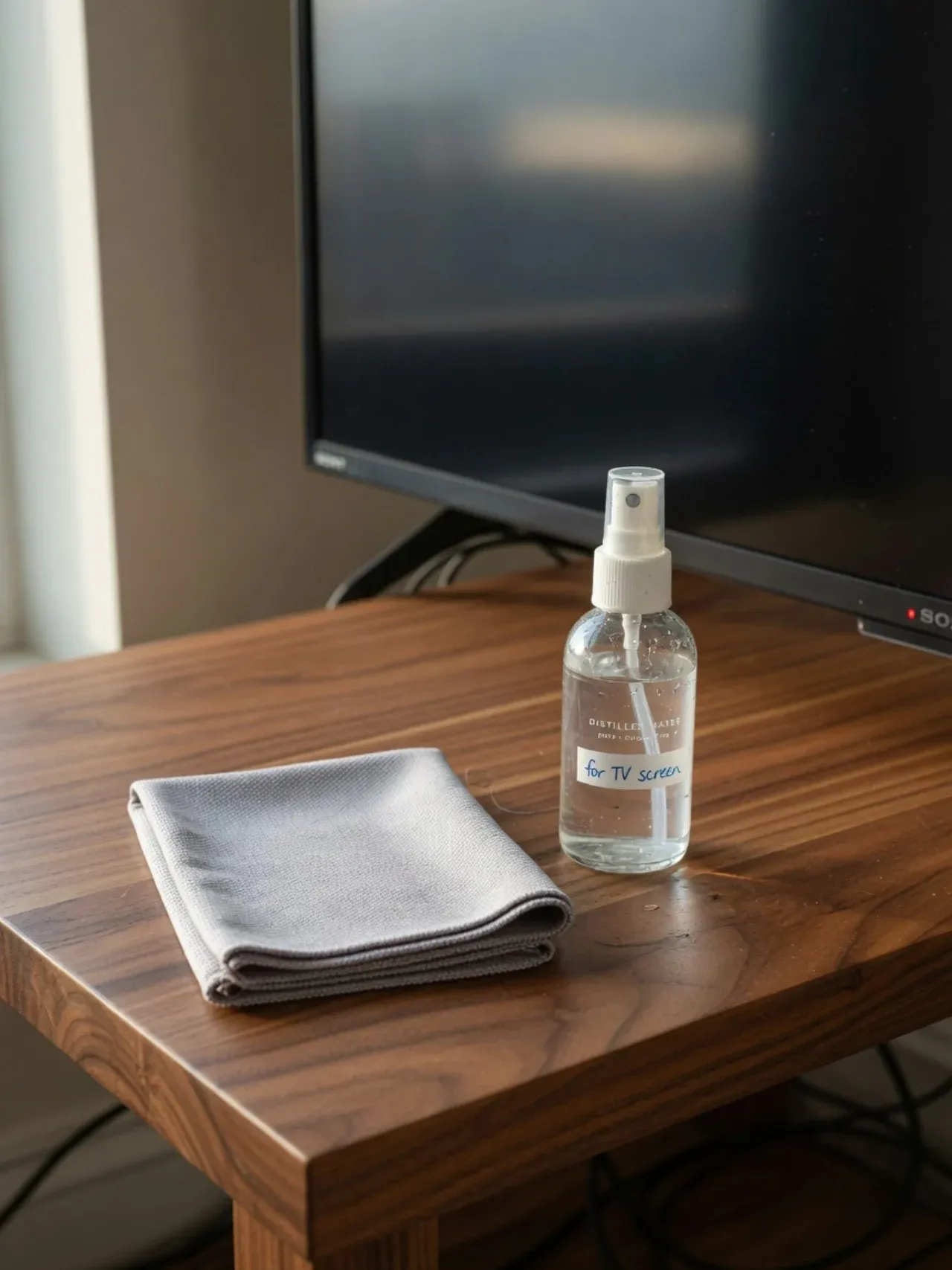
The entire safe toolkit: a clean microfiber cloth and distilled water. No sprays, no chemicals.
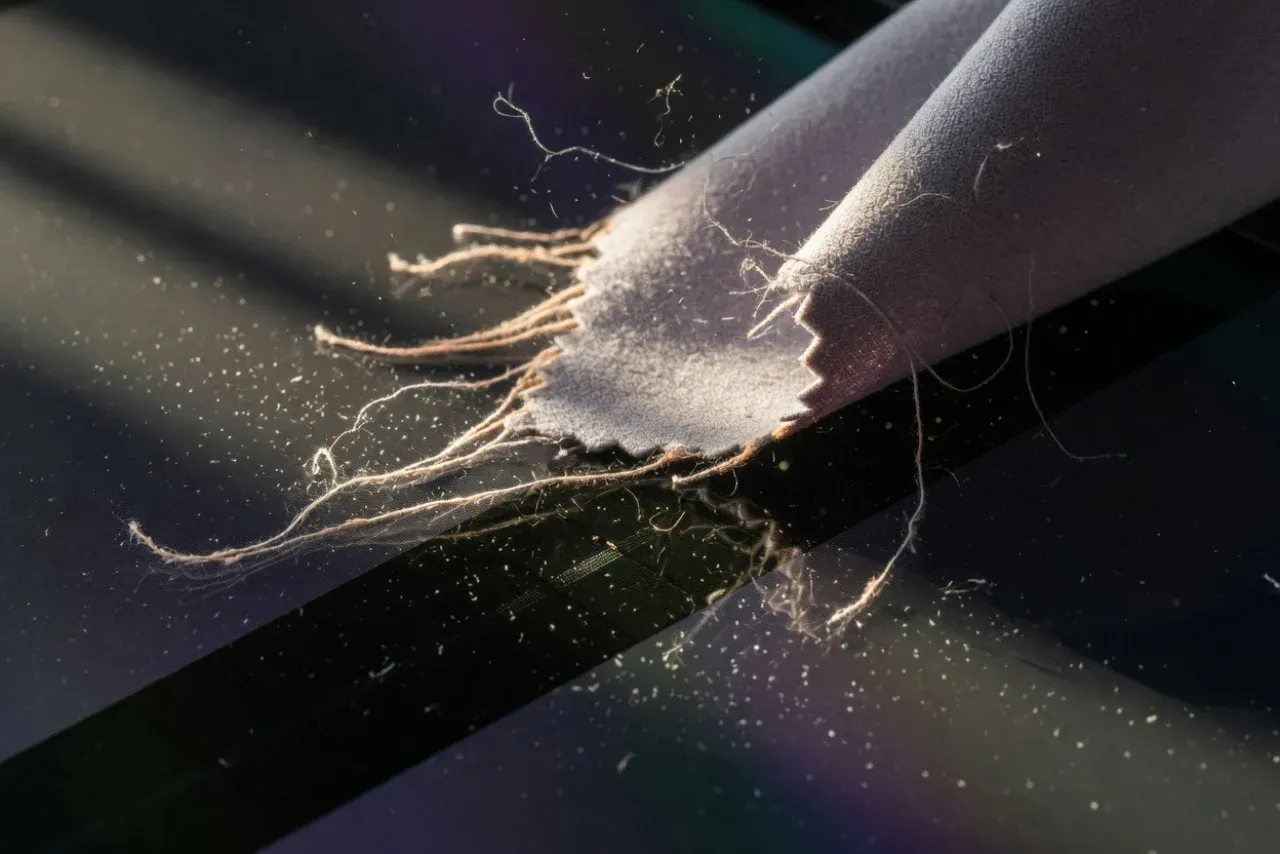
Start dry. A dry microfiber cloth removes most dust without any liquid at all.
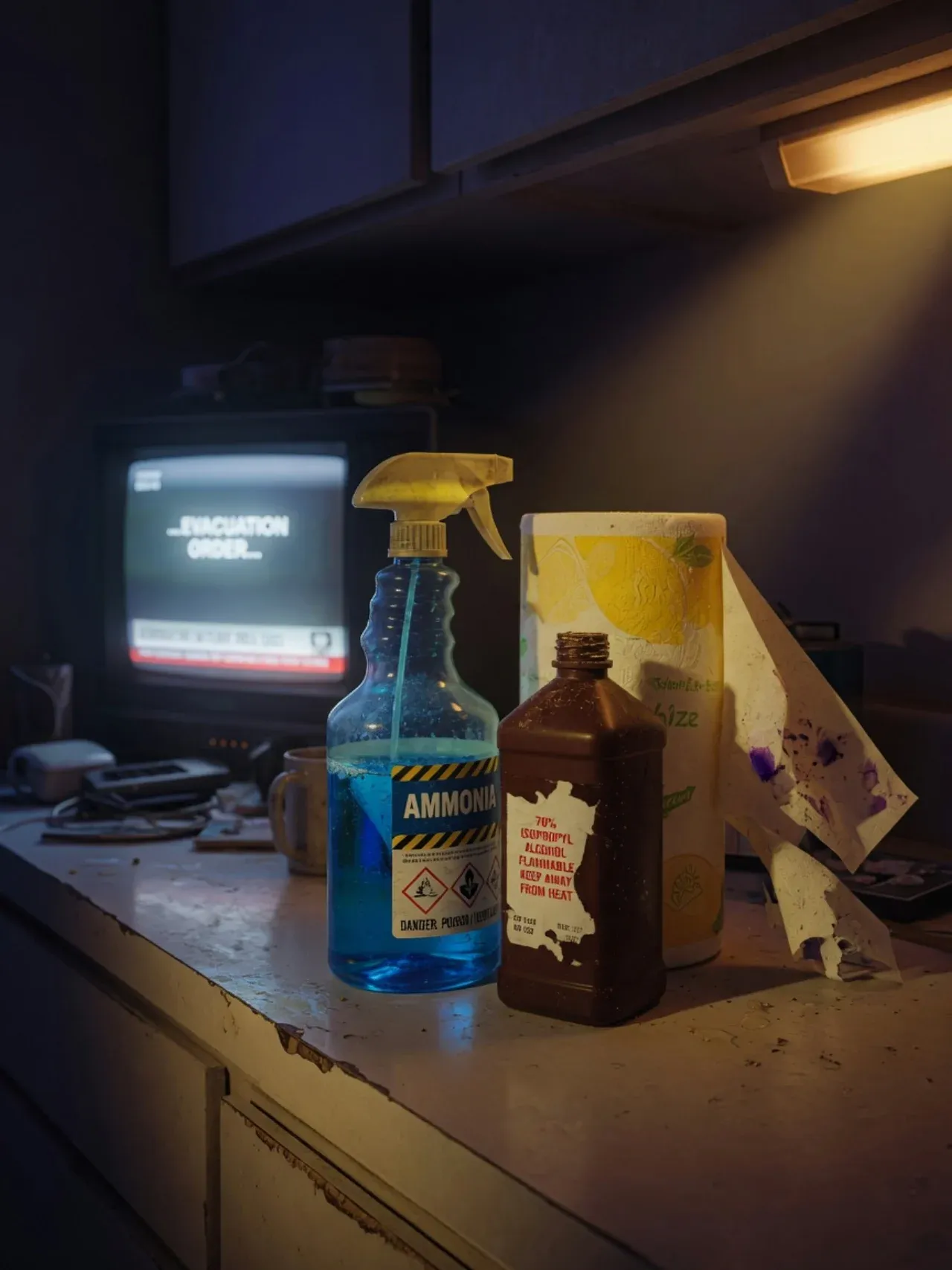
Everything here will damage an OLED panel: glass cleaner, alcohol, ammonia, paper towels.
The Safe Way to Clean an OLED Screen — Step by Step
Total time: under 10 minutes · zero chemicals
Power off the TV and unplug it
Turn the TV off and unplug it from the wall, then let it cool for a few minutes. A powered-off screen is dark, which makes dust, smudges, and fingerprints far easier to see — you'll clean more accurately. Unplugging also removes any electrical risk if a cloth is slightly damp, and a cool screen won't flash-dry streaks the way a warm one does.
Dust the screen dry with a clean microfiber cloth
Using a soft, clean microfiber cloth, wipe the screen gently to lift dust. Use light, even strokes — wipe in one direction or in small circles, with almost no pressure. For most screens, this dry pass is all the cleaning that's needed. Never use paper towels, tissues, or a kitchen rag: their fibers are abrasive enough to leave fine micro-scratches and lint on the delicate OLED coating.
For marks, lightly dampen the cloth with distilled water
If fingerprints or smudges remain, lightly dampen a corner of the microfiber cloth with distilled water — never tap or regular water, which leaves mineral spots, and never spray liquid directly onto the screen. Wring the cloth until it is barely damp, not wet. Wipe the marked area gently in one direction. Distilled water alone lifts almost all everyday smudges without any cleaner.
Dry immediately with a second microfiber cloth
Follow the damp pass right away with a second, dry microfiber cloth, buffing gently to remove any moisture before it can dry into a streak or seep toward the edges of the panel. Moisture must never pool at the bezel or run behind the screen. Work in small sections — damp wipe, then dry wipe — rather than dampening the whole screen at once.
Let it dry fully before plugging back in
Leave the TV off and let the screen air-dry completely — a few minutes is plenty after a barely-damp wipe. Confirm there is no visible moisture anywhere on the panel or frame, then plug it back in and power on. Turning the screen on while any dampness remains is the one mistake that can actually harm the electronics underneath the glass.
Capital Clean Care
Want the whole living room spotless — TV included?
Capital Clean Care dusts electronics gently and cleans every room across Bethesda, Rockville, Silver Spring, and Gaithersburg. Eco-certified, background-checked teams.
What You Must Never Use on an OLED Screen
Every item below is named directly in manufacturer warnings. Any one of them can permanently cloud, streak, or scratch the panel:
- Window/glass cleaner (Windex) — the ammonia dissolves the screen coating
- Rubbing alcohol, isopropyl, or any alcohol-based wipe
- Ammonia, acetone, benzene, or any solvent
- Dish soap, all-purpose spray, or any household cleaner
- Paper towels, tissues, napkins, or kitchen rags — abrasive enough to micro-scratch
- Spraying any liquid directly onto the screen — it runs to the edges and into the electronics
- Pressing hard or scrubbing — OLED pixels are pressure-sensitive
Habits That Keep the Screen Clean Longer
Dust dry every week or two
A 30-second dry microfiber pass stops dust from building into a film you'd need water to remove. The less liquid your screen ever sees, the better.
Keep fingers off the panel
Most 'smudges' are fingerprints. A simple no-touching habit (and keeping toddlers' hands busy elsewhere) eliminates the majority of cleaning entirely.
Clear the back vents
OLED longevity depends on heat dissipation. Keep the rear ventilation slots dust-free with a soft brush so the panel runs cool.
Avoid leaving static images on for hours
Not a cleaning issue, but worth knowing: OLED can retain burned-in static logos or game HUDs over long sessions. Vary content and use the TV's built-in pixel-refresh feature.
The eco bonus
The manufacturer-approved method also happens to be the greenest: a reusable microfiber cloth and distilled water mean no aerosol screen sprays, no single-use wipes, and no harsh chemicals in your home or down the drain. It's the same no-toxics philosophy behind our eco-friendly cleaning service.
Frequently Asked Questions
A Spotless Home, Down to the Screen
Capital Clean Care provides house cleaning and eco-friendly cleaning across Maryland — Bethesda, Rockville, Silver Spring, Gaithersburg, and Potomac. We dust electronics gently and skip the harsh chemicals entirely.
Licensed, insured, and locally owned. Montgomery County, MD.