
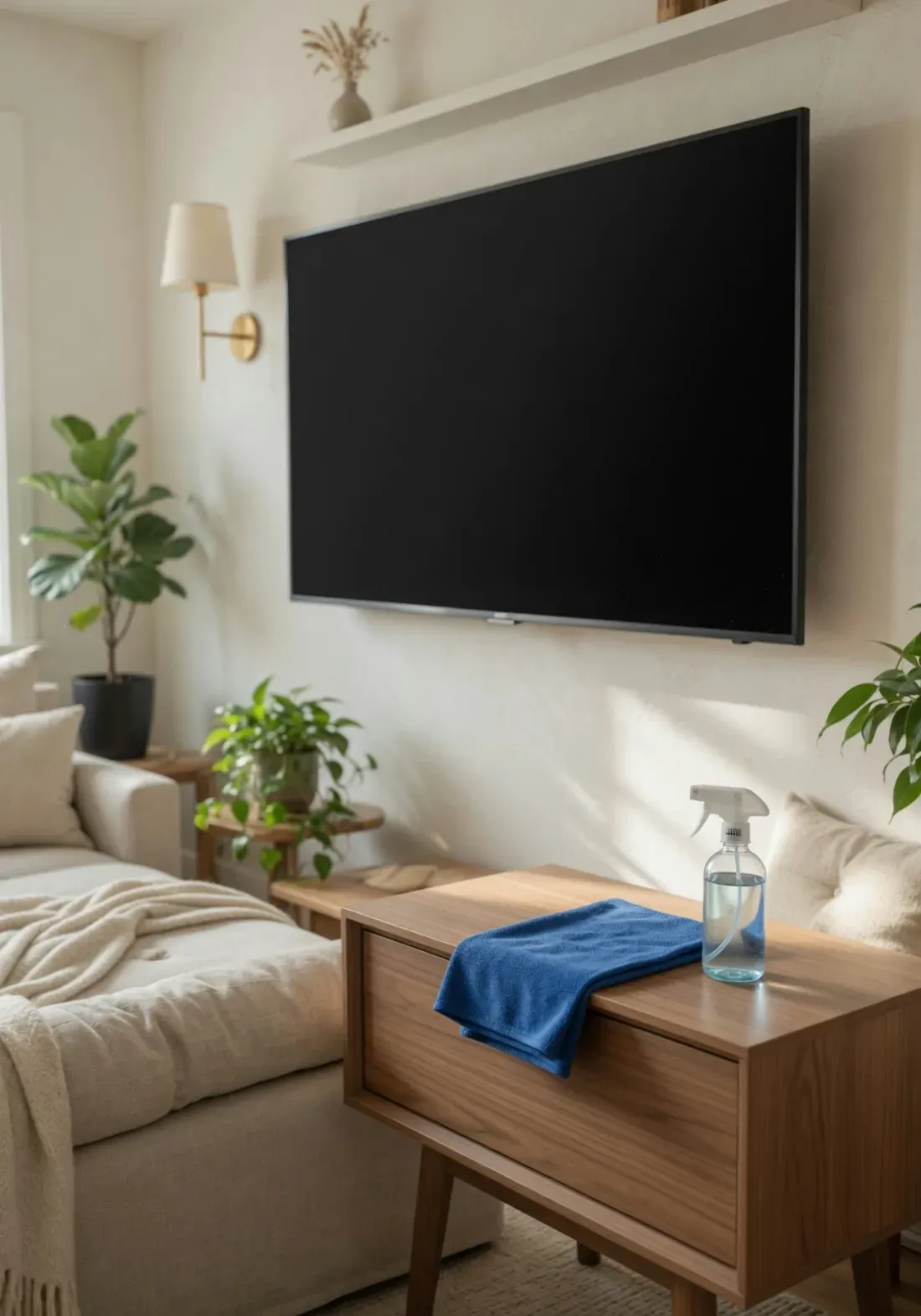
A dusty, smudged TV screen quietly ruins picture quality — and the wrong cleaning method can ruin the screen itself. The single most common mistake we see in homes across Bethesda, Silver Spring, and Arlington is reaching for Windex or a paper towel, both of which permanently damage the screen's coating. Modern LED, LCD, and OLED panels are coated with delicate anti-glare and anti-reflective layers that ammonia, alcohol, and abrasive cloths strip away for good.
The good news: cleaning a flat-screen TV safely takes two things you likely already have — a microfiber cloth and a little distilled water — plus the right technique. Here's the manufacturer-approved method, the products to never let near your screen, and how to keep it looking sharp. It's the same gentle, residue-free approach behind our eco-friendly cleaning standard.
First, Know What Kind of Screen You Have
The cleaning method is similar for all flat panels, but the sensitivity differs. The golden rule applies to every type: never spray liquid on the screen, never use ammonia or vinegar, never press hard.
LED / LCD (most TVs)
Durable but scratch-prone under pressure and easily streaked. A dry microfiber cloth plus distilled water on the cloth handles everything. The most common screen type in homes today.
OLED
More delicate organic layer — extra gentle. Dry microfiber first, minimal distilled water, dry immediately. Avoid alcohol unless the manufacturer allows it; never apply pressure.
QLED / Mini-LED
Cleaned like LED/LCD — these are LED-backlit panels. Same rules: microfiber, distilled water on the cloth, no harsh chemicals, light touch.
Anti-glare / matte screens
The matte coating is the easiest to permanently damage with chemicals. Be especially strict: distilled water only, test any alcohol mix in a corner first, never glass cleaner.
The Safe Method — 5 Steps
Works for: LED, LCD, OLED, QLED
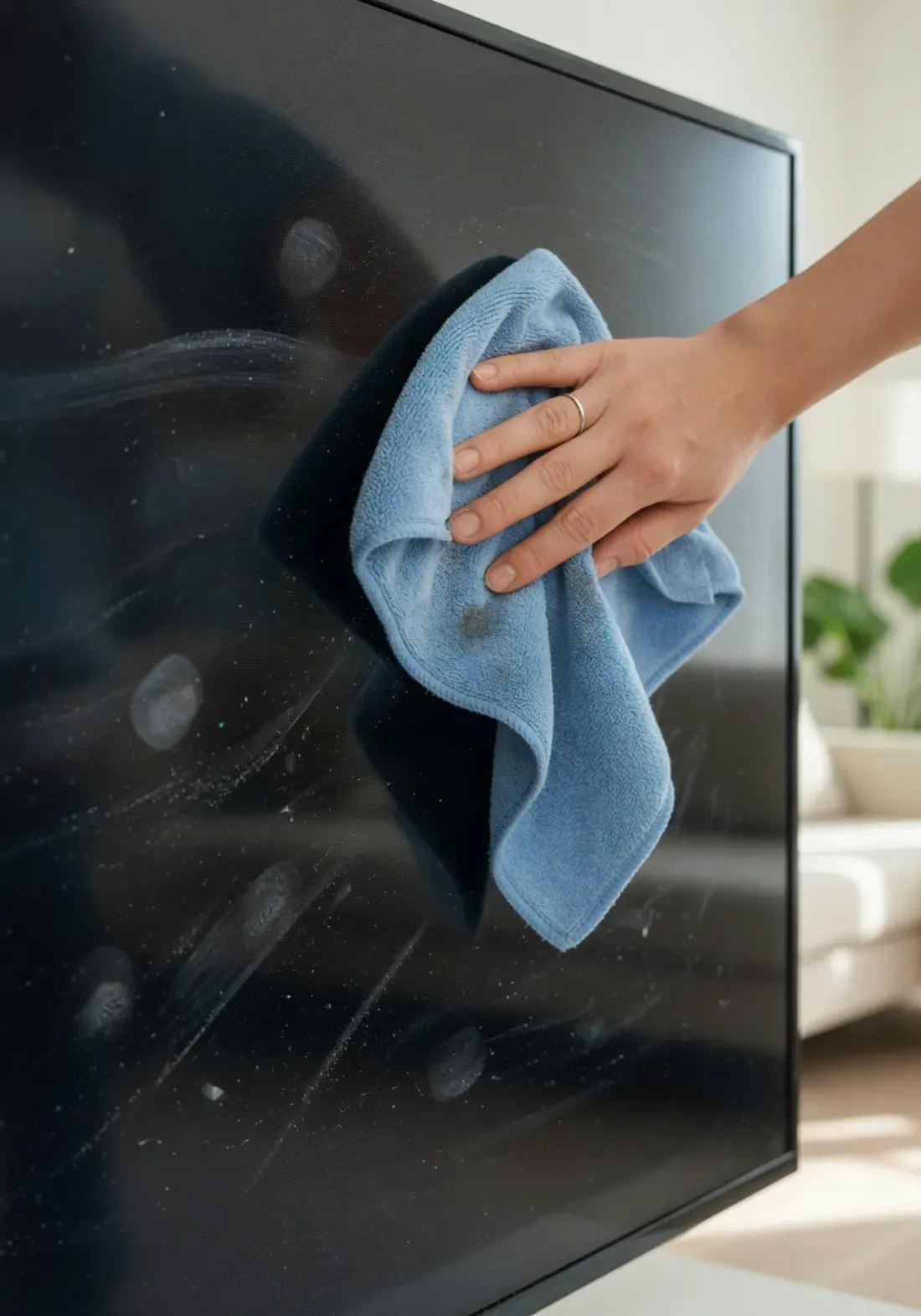
Power off, unplug, and let the screen cool
Always turn the TV off and unplug it before cleaning. A powered screen carries a static charge that attracts dust, and a warm screen makes any moisture flash-dry into streaks. Powering down also makes smudges and dust far easier to see against the black screen, so you don't miss spots — and it protects the electronics from any stray moisture. If the TV has been on, give it a few minutes to cool completely before you start.
Dry-dust with a clean microfiber cloth — light pressure, circular motions
Use a soft, lint-free microfiber cloth (the kind made for eyeglasses and camera lenses). Wipe the screen gently in small circular motions to lift dust without grinding it across the surface. Use almost no pressure: flat-panel screens — especially OLED — scratch and can develop pressure marks if you push hard. Never use paper towels, tissues, napkins, or old t-shirts; their fibers are abrasive enough to leave fine scratches and they shed lint. Dry dusting alone handles 90% of routine cleaning.
For smudges, dampen the cloth with distilled water — never spray the screen
For fingerprints and stuck-on smudges that dry dusting won't lift, lightly dampen (not soak) a fresh section of the microfiber cloth with distilled water. The cloth should be barely moist. Wipe gently in circular motions, then immediately follow with a dry part of the cloth to remove any moisture before it dries into a streak. Critical rule: spray or apply liquid to the cloth, never directly onto the screen — liquid sprayed on the panel can run down and seep into the edges and electronics, causing permanent internal damage. Use distilled (not tap) water to avoid mineral spotting.
For stubborn marks, use a 50/50 distilled water and isopropyl alcohol mix on the cloth
If a mark survives plain water, mix equal parts distilled water and 70% isopropyl alcohol in a spray bottle, mist it onto the cloth, and spot-clean the mark gently. Test on a bottom corner first, and check your manufacturer's guidance — some anti-glare and OLED coatings are sensitive to alcohol, so keep it diluted and minimal. Never use Windex or any glass cleaner, ammonia, vinegar, acetone, or abrasive products: these strip the anti-reflective coating and corrode the screen's surface layers over time.
Let it air-dry fully before powering back on
Give the screen a few minutes to air-dry completely before plugging the TV back in and turning it on. Any residual moisture should evaporate fully first — powering up a damp screen risks streaking and, in rare cases, electrical issues. While you wait, dry-dust the TV frame, the back vents, and the media console, since dust there is what settles back onto a clean screen within days.
Capital Clean Care
Ready for a Professionally Clean Home?
Capital Clean Care serves Maryland, DC & Northern Virginia with eco-friendly, background-checked cleaning teams. New clients get 15% OFF their first visit.
What to Never Use on a TV Screen
These are the products and habits that cause permanent, unfixable damage to screen coatings. Avoid every one of them.
Windex & glass cleaners
Contain ammonia and/or alcohol that strip the anti-glare coating, leaving permanent haze or rainbow patches. The number-one screen killer.
Vinegar & lemon juice
Acidic (pH ~2.5–3). Repeated use corrodes the metal-oxide and anti-reflective layers on the panel surface. No advantage over distilled water, real risk.
Paper towels, tissues & napkins
Their wood-fiber texture is abrasive enough to leave fine scratches, and they shed lint that clings to the static screen.
Spraying liquid directly on the screen
Liquid runs down into the seams and reaches the electronics — a leading cause of permanent internal damage. Always apply to the cloth instead.
Pressing hard / scrubbing
Flat panels, especially OLED, develop pressure marks and scratches. Let the microfiber and a light touch do the work.
Acetone, ammonia & abrasive pads
Harsh solvents and scouring pads instantly etch the coating. Nothing abrasive should ever touch a screen.
The Right Tools & Technique
A clean, dry microfiber cloth — the same kind used for eyeglasses — is the only tool that touches the screen first.
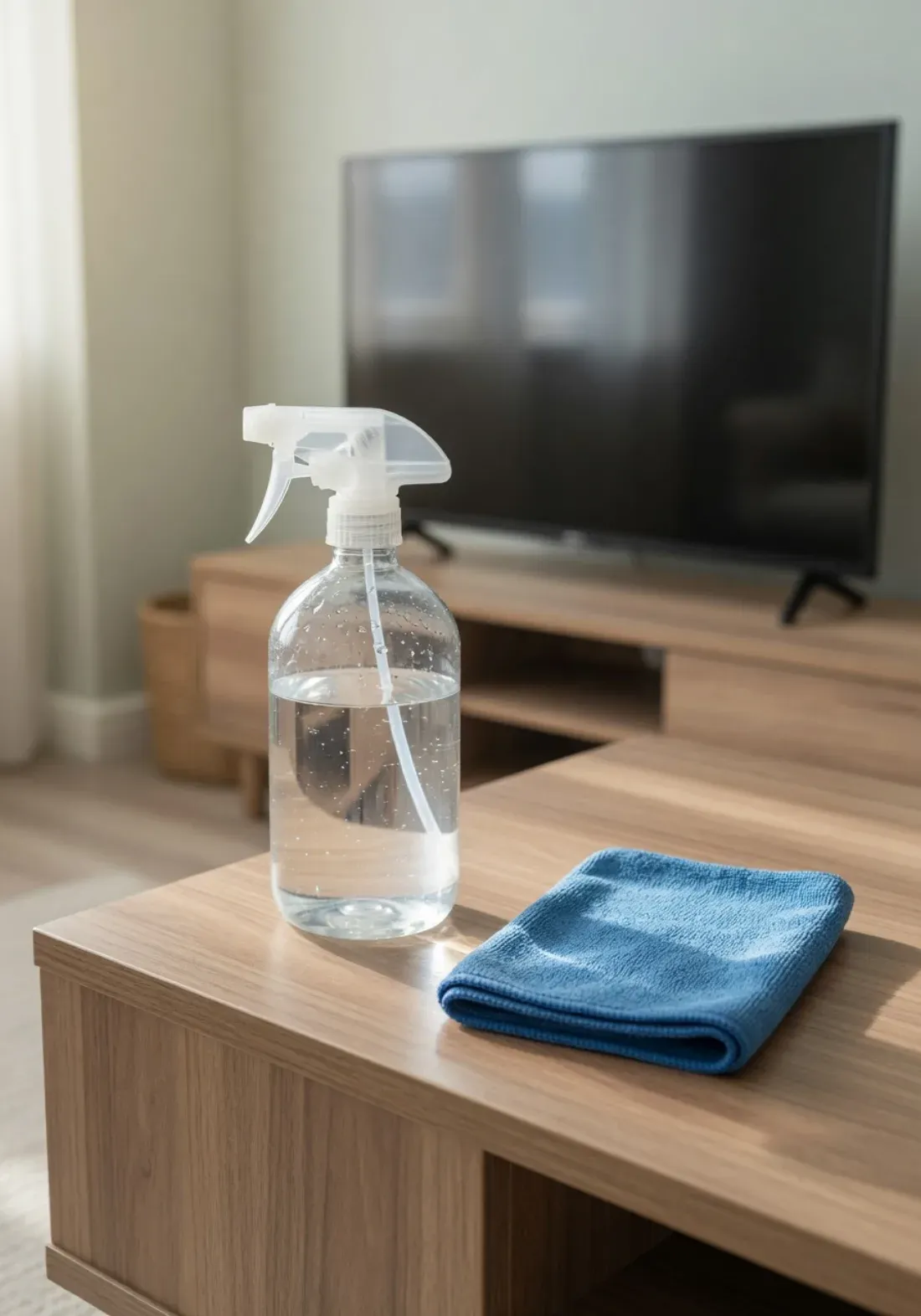
Always spray the cloth, never the screen. Distilled water avoids the mineral spots that tap water leaves behind.
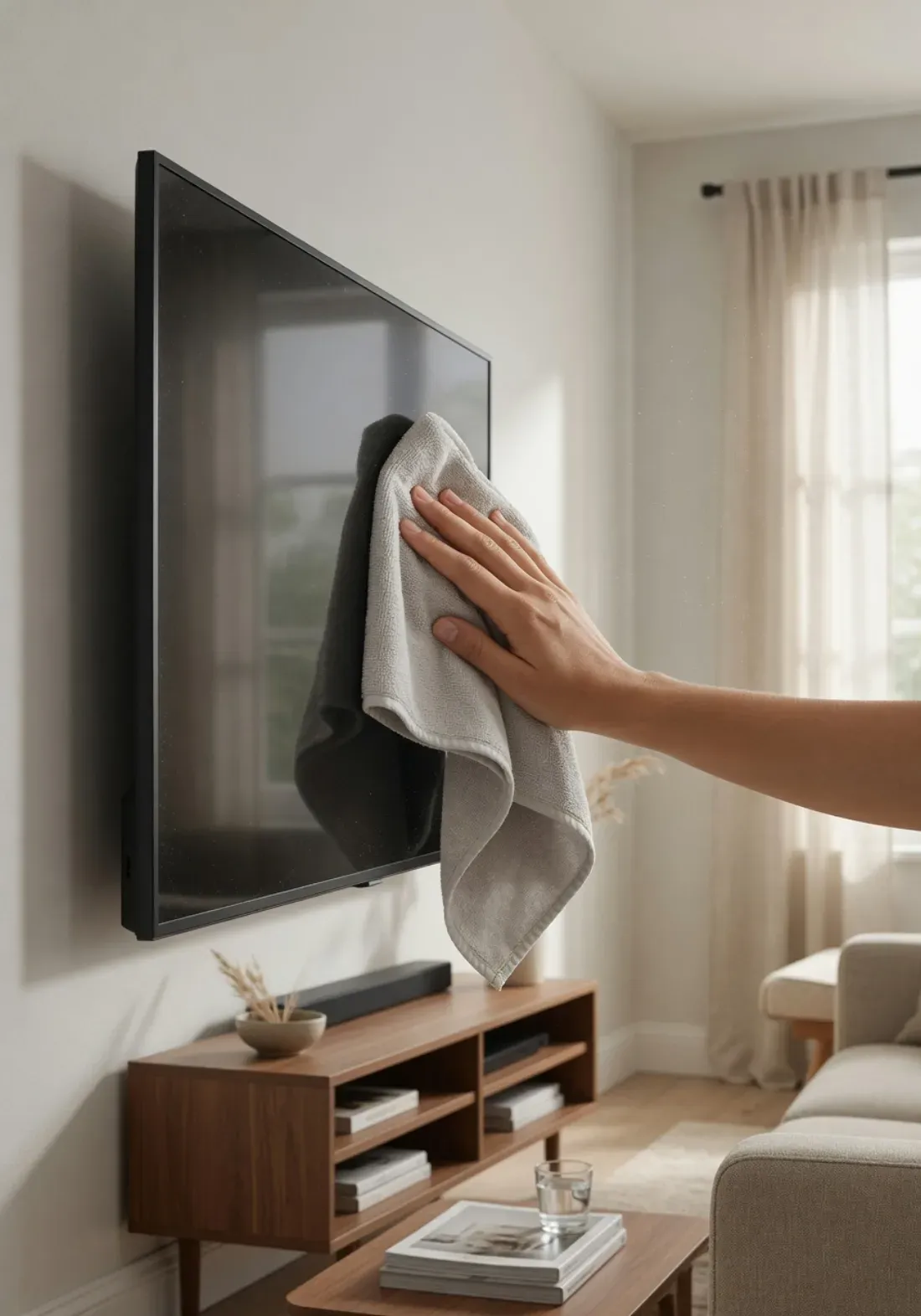
Dust the frame, ports, and vents with a dry cloth too — buildup there is what resettles on a freshly cleaned screen.

The result: a streak-free, dust-free screen with the anti-glare coating fully intact.
Keep It Clean — Simple Maintenance
The easiest way to avoid ever needing a deep screen clean is a quick, regular dry-dust. Static-charged screens pull in dust constantly, so a 30-second microfiber wipe every week or two keeps the picture sharp and prevents the kind of buildup that tempts people to over-clean with liquids.
Pro tip: dust the TV's back vents and the media console whenever you wipe the screen. That hidden dust is exactly what resettles on the panel within days — clean the surroundings and the screen stays clean far longer.
Part of a Cleaner Whole Home
Electronics and entertainment centers are easy to forget until the dust is obvious. Capital Clean Care's house cleaning and deep cleaning in Rockville, Bethesda, and Silver Spring include careful dusting of TVs, media consoles, and electronics using safe, screen-friendly methods — part of a systematic whole-home clean with eco-safe products throughout.
Frequently Asked Questions
Want the Whole Home Dust-Free? Let Us Handle It.
Capital Clean Care provides house cleaning and eco-friendly cleaning across Maryland, Washington DC, and Northern Virginia — Silver Spring, Bethesda, Rockville, Gaithersburg, and Potomac. Screen-safe dusting, background-checked teams, free estimates.
Licensed, insured, and locally owned. Montgomery County, MD.